
Order Status
Contact us

My account

Sign in with your credentials, or register for a new account
When you log out, all unsaved projects and your shopping cart will be deleted for security reasons.

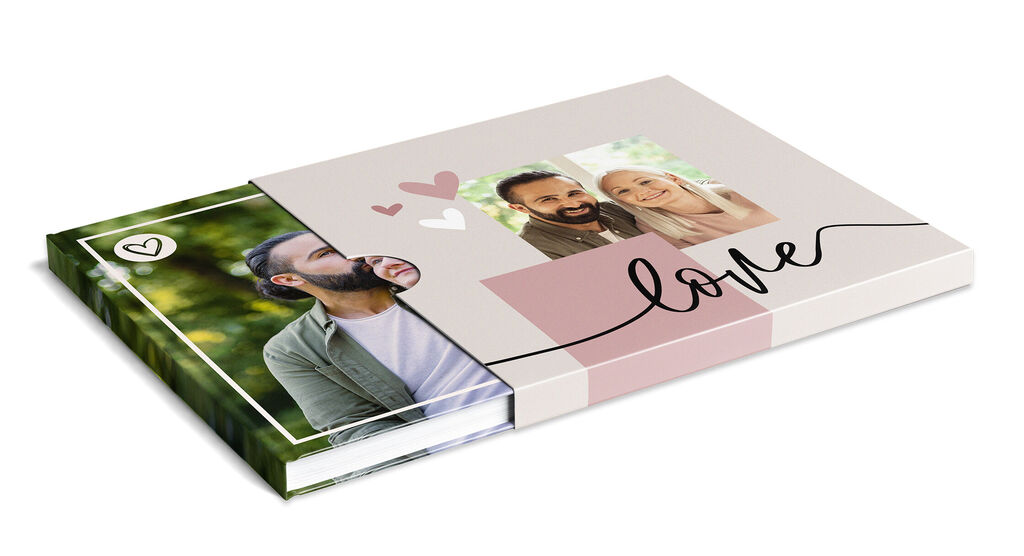
Personalised slipcase for your photo book

Precisely packaged and elegantly wrapped. The sturdy slipcase is the ideal complement to your CEWE PHOTOBOOK.

Discover now

It's so easy to create a personalised CEWE PHOTOBOOK slipcase

  1. Install the CEWE Creator software on your computer.
  2. Then click on CEWE PHOTOBOOK in the top menu.
  3. Choose between the formats XL, XXL or XXL Panorama.
  4. Now choose from a range of paper qualities (the slipcase is only available in combination with a hardcover).
  5. Once you have finished creating your CEWE PHOTOBOOK, you can customise the personalised slipcase.

Winner of the TIPA World Award

The design possibilities of the sturdy cover are endless.

The photo book in a slipcase: Great excitement when unpacking the photo book.

Joyful excitement at first sight

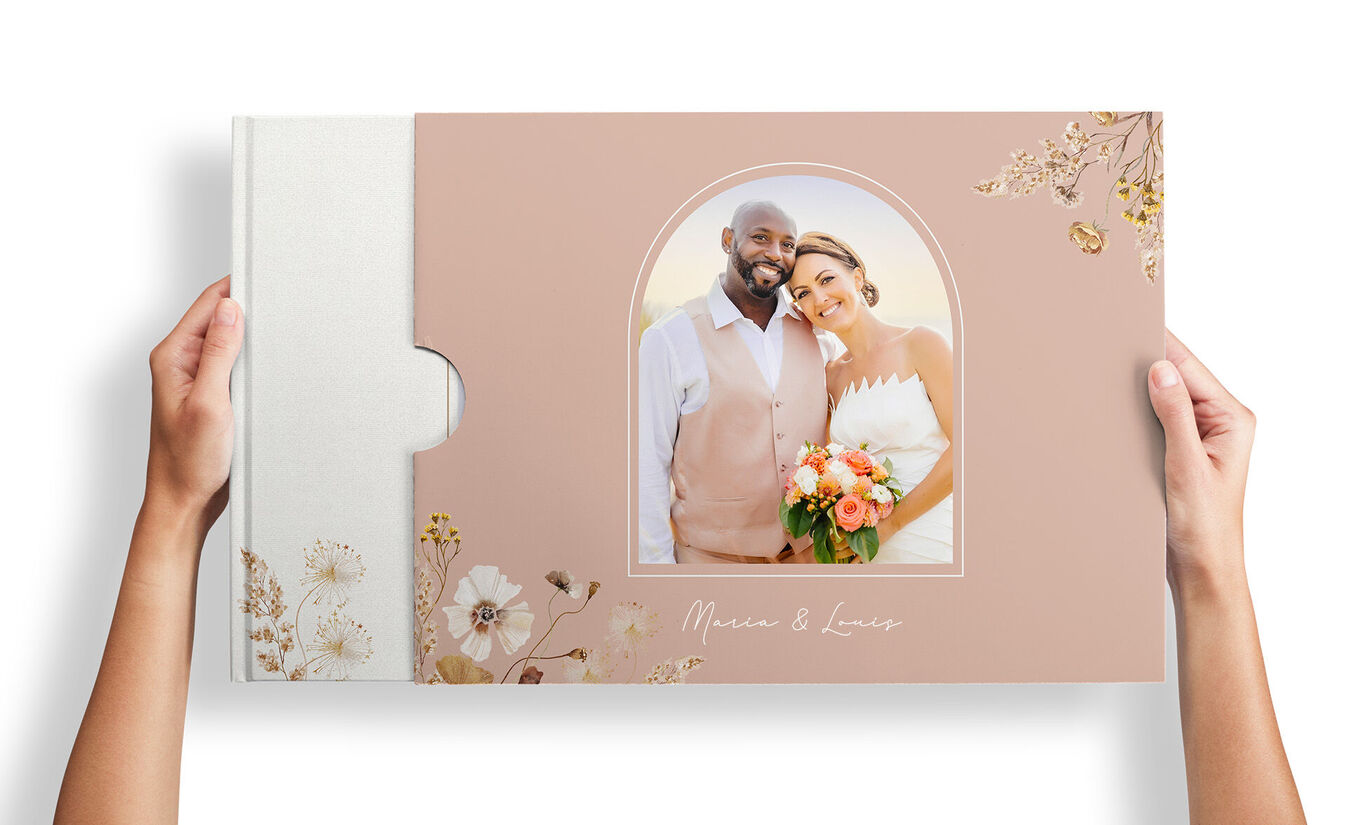
The perfectly fitting slipcase arouses curiosity and provides a special surprise for your loved ones. It is also the ideal complement to your CEWE PHOTOBOOK in XL, XXL or XXL Panorama format. The FSC®-certified cardboard with a matt finish perfectly matches your chosen paper quality and number of pages. Thanks to the individual design options, you can design the slipcase yourself or use the suggested cover design. The open side keeps the spine visible and makes it easy to remove your CEWE PHOTOBOOK.

Simply create a personalised slipcase during the ordering process in the CEWE Creator software from a price of CHF 21.95.
Continue to the software

A perfect fit

Gestalten Sie einen schmuckvollen Schuber für Ihr CEWE FOTOBUCH

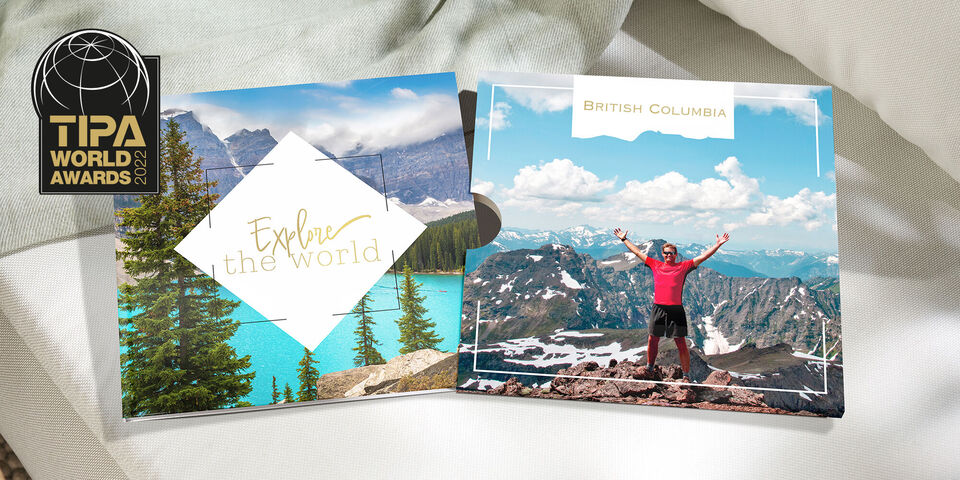
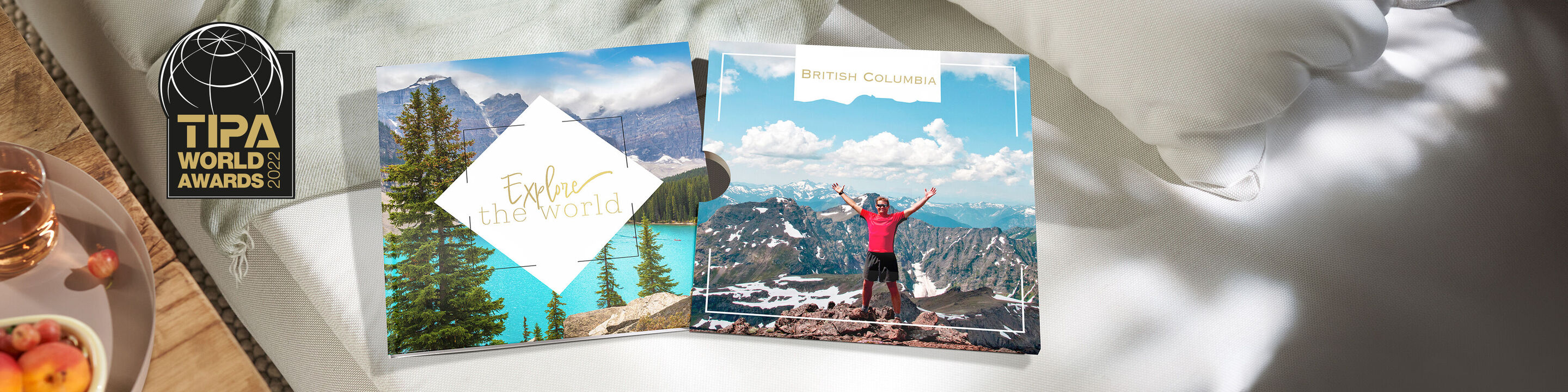
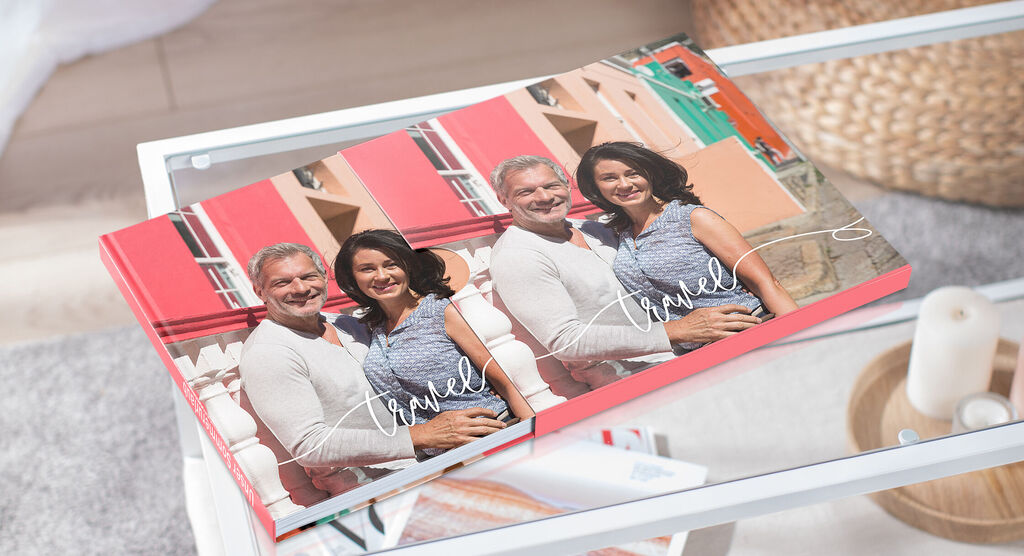
Stylish photo book capturing travel memories.

A stylish companion for your photo book

The personalised slipcase made of high-quality cardboard fits your CEWE PHOTOBOOK XL, XXL or XXL Panorama perfectly. The opening on the left-hand side ensures that the designed spine remains visible – and your CEWE PHOTOBOOK can be easily slid out when removing it. This means that the personalised slipcase not only makes for a wonderful gift-giving experience, but also ensures long-lasting enjoyment when stored on the shelf.

Continue to the software

Award-winning: the personalised slipcase for the CEWE PHOTOBOOK

Frequently Asked Questions

How can I design the slipcase myself?

The CEWE creator software will immediately provide you with a suggestion for how your personalised slipcase could look – and will use the cover design from your CEWE PHOTOBOOK for this. You can accept this design as it is or customise it to your liking. In the CEWE Creator software, you can get creative with your text and photos and freely design the front and back as well as the flaps of the slipcase. Go to the CEWE creator software now.

Can I order a slipcase for any CEWE PHOTOBOOK?

The decorative slipcase was specially designed for the CEWE PHOTOBOOK XL, XXL and XXL Panorama with hardcover and is currently only available for the CEWE PHOTOBOOK XL, XXL or XXL Panorama products. The width of the slipcase is automatically adjusted to your CEWE PHOTOBOOK. This means that the slipcase, made of high-quality cardboard, fits perfectly, matching the paper quality and number of pages you have chosen.

How do I add the slipcase to my order?

The personalised slipcase is only available in conjunction with a CEWE PHOTOBOOK XL, XXL or XXL Panorama and cannot be purchased separately. You can easily add it to your shopping basket in the CEWE creator software after creating your CEWE PHOTOBOOK XL, XXL or XXL Panorama. To do this, simply tick the option. An editor will then open where you can design your personalised slipcase.

Why do I see an automatic design for my slipcase in the CEWE Creator software?

The software will automatically suggest a design for your slipcase based on the cover you've already designed for your CEWE PHOTOBOOK. You can choose this option to match your book cover or change it as much as you like.

Will the slipcase completely cover my photo book?

The slipcase opens on the left side and there's a small tab designed to allow you to remove the photo book from the slipcase smoothly and easily. This also ensures that the spine of the book remains visible, so you can see your book title when it's stored on a shelf.

Where can I find the personalised slipcase?

You can find the personalised slipcase for your CEWE PHOTOBOOK XL, XXL and XXL Panorama in the latest version of the CEWE Creator software. Once you have created a photo book, you can simply add the personalised slipcase to your shopping basket.