Inspiration
A trio of calendars with personalised covers
Create a calendar in the CEWE App, then customise the covers to turn it into three different gifts in no time.
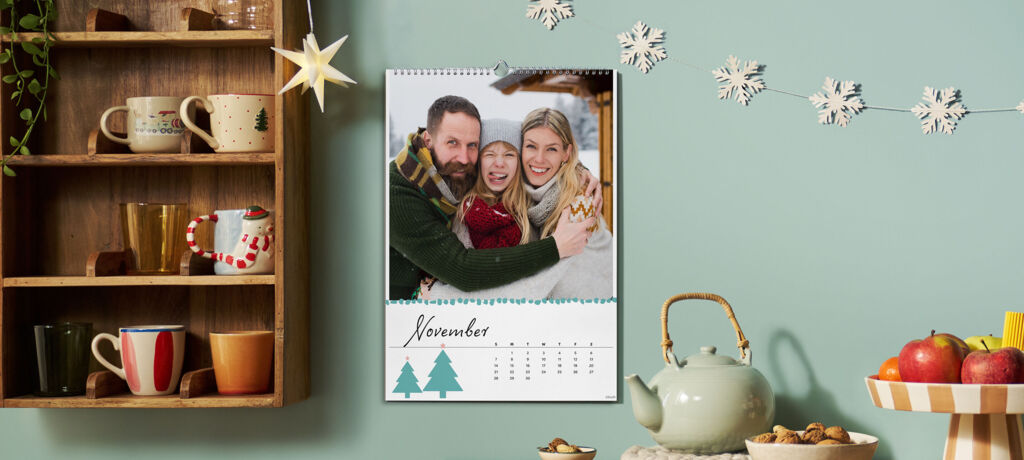
A calendar to bring the family together all year round and delight them month after month: Create a wall calendar in just a few clicks with the CEWE App. Then simply customise the cover or individual months as you wish. The result is a unique gift for several people, with all the calendars ready to order together in one package – perfect when you’re short on time.
Whether you choose a cover with playful clip art for your sister or a vintage design for your grandad, you can customise each one with different designs, photos, colours and text. Add a personal message to turn each wall calendar into a truly thoughtful gift.
Our tip: Keep the monthly designs fairly simple at first to suit every taste. Then use this first calendar as a template and add personal touches.
How to duplicate your calendar
First, create your calendar in the CEWE App. Once it’s ready, add it to your basket and click «Edit». You can now duplicate your calendar and customise the copy for another recipient. Add each new version to your basket, where all your calendars will be ready to order. Repeat these steps as often as you like to personalise and order several calendar variations together.

Download the CEWE App and explore the many ways to personalise your calendars. The handy tools make it easy to customise each one. Give every cover – and perhaps a few monthly pages too – a personal touch for your loved ones.
We hope you enjoy creating your calendars.
Discover great ideas to refresh your space
Get inspired to create wall art to suit you and your home.